Ukraine VPS Plan Specifications and Pricing Range
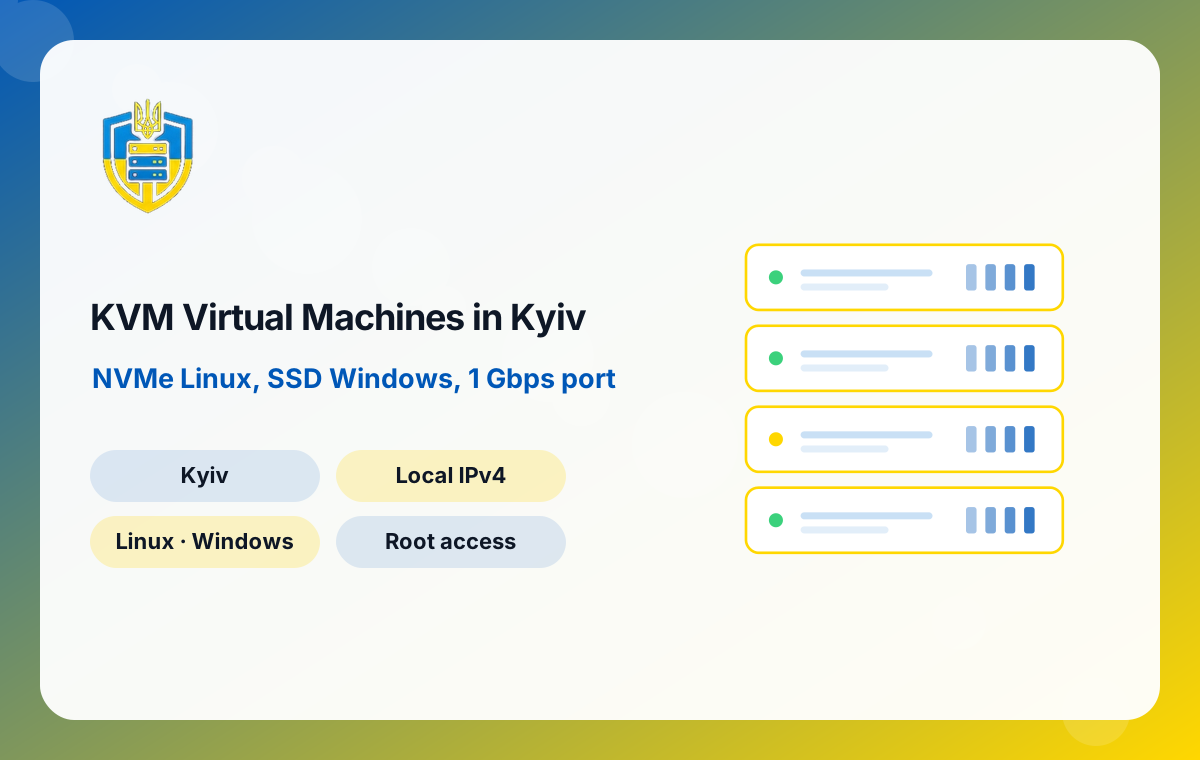
The VPS range consists of ten plans shown in the table on this page. Prices start at US$22.95 per month and finish at US$288.95 per month. Between those two points, CPU grows from 2 to 24 cores, memory from 2 to 32 GB and storage from 30 to 400 GB.
Some features are identical on every plan, so you never have to trade them off against price:
- Virtualisation: full KVM emulation.
- Storage type: NVMe for Linux, SSD for Windows.
- Network: 1 Gbps port with unlimited traffic.
- Address: a Ukrainian IP.
- Access: full root access.
- Location: Tier III facility in Kyiv with UPS backup and several carriers.
This structure keeps the decision simple. You only need to decide how much compute, memory and disk the workload requires; connectivity and location are already settled. If you are unsure which row of the table fits, describe your stack in a sales ticket and we will suggest a starting plan.
Sizing a Kyiv VPS for Real Workloads
Choosing the right plan is mostly about memory and disk I/O, not raw core count. These starting points come from typical projects run by Ukrainian studios.
Entry plans: 2 cores and a few gigabytes of RAM
Good for a single website with Nginx and PHP-FPM, a WireGuard or OpenVPN endpoint for a distributed team, a Telegram or Viber bot, uptime monitoring or a small reverse proxy. Keep the database small or external.
Mid-range plans: 4 to 8 cores, 8 to 16 GB RAM
Suitable for a Docker Compose stack with an app, PostgreSQL and Redis, a self-hosted GitLab runner, a busy WordPress or WooCommerce shop, or a staging copy of a client's production environment.
Upper plans: up to 24 cores and 32 GB RAM
Use these for database primaries, Elasticsearch or OpenSearch nodes, build servers compiling large codebases, data-processing workers or several client projects consolidated onto one machine.
Measure before you guess: watch memory pressure, swap use and disk wait time for a week, then move up or down the range based on evidence rather than assumptions.
Linux or Windows on Your Ukrainian Virtual Server
Because KVM emulates a complete machine, the VPS can run either a Linux distribution or Windows. The choice affects storage type as well as software: Linux guests are placed on NVMe storage, and Windows guests run on SSD storage.
Linux distributions
Most development teams in Ukraine standardise on Ubuntu LTS or Debian for application servers, with AlmaLinux or Rocky Linux for projects that follow the Red Hat ecosystem. Linux is the natural fit for containers, web stacks, CI runners, VPN gateways and databases, and it uses fewer resources than Windows, so smaller plans go further.
Windows Server guests
Choose Windows when the software demands it: .NET Framework applications, MS SQL Server, IIS sites, desktop tools used over RDP or accounting packages that Ukrainian businesses rely on. Allow more RAM than you would for Linux, because the base system needs it. If the main goal is a remote desktop for staff, our dedicated Windows RDP packages may suit you better.
Licensing for Windows and commercial software should be confirmed with sales when you order.
Latency from Kyiv over UA-IX and to EU Neighbours
Network distance is the one thing you cannot optimise in code. Our Kyiv facility is connected to UA-IX, the city's internet exchange, where Ukrainian broadband, mobile and hosting networks swap traffic directly. Users on domestic providers therefore reach your VPS without their packets leaving the country, which shortens page loads, API calls and interactive sessions.
Westbound traffic follows routes to Poland, Slovakia, Hungary and Romania. Those countries are both markets and transit gateways into the rest of the European Union, so a Kyiv VPS can comfortably serve a product whose first audience is Ukrainian and whose second audience is in Central Europe.
How teams use this in practice
- Primary hosting for Ukrainian e-commerce, media and SaaS products.
- A regional edge or cache in front of an EU-hosted application.
- Build and artefact servers close to engineers working in Ukrainian offices.
- A VPN exit with a Ukrainian IP for staff travelling abroad who need domestic access.
For figures from your own network, ask support for a test IP and run your own ping and traceroute before ordering.
Security Hardening Checklist for a Ukrainian VPS
Root access means full control, and it also means the security baseline is your responsibility. A newly delivered VPS should be hardened before it serves real traffic. This checklist reflects what experienced Ukrainian DevOps engineers usually apply on day one.
- Update everything and enable unattended security updates for the base system.
- Create a named sudo user, add your SSH public key and disable password authentication and direct root login.
- Restrict open ports with nftables, ufw or firewalld so only SSH, HTTP, HTTPS and the services you need are reachable.
- Limit SSH exposure by allowing it only from your office or VPN addresses where possible, and add Fail2ban for brute-force protection.
- Separate services into containers or distinct system users so one compromised app cannot read another's files.
- Encrypt traffic with TLS certificates for every public endpoint, and keep secrets out of Git repositories.
- Ship logs and backups off the server so an incident on the VPS cannot also destroy the evidence and your recovery copies.
On Windows guests, apply the equivalent: Windows Update, strong Administrator passwords, a restricted RDP firewall rule and Network Level Authentication.
How Outsourcing Studios Use a Ukraine VPS
Ukrainian outsourcing companies juggle many clients at once, each with its own stack, its own access rules and its own deadlines. A set of small and mid-sized Kyiv VPS instances maps neatly onto that reality.
One environment per client
Give each client project its own VPS for staging and demos. Access is easy to grant and revoke, costs are easy to recharge to the right contract and a problem in one project cannot affect another.
Self-hosted CI and artefact storage
GitLab runners, Jenkins agents and container registries benefit from NVMe storage and unlimited traffic. Build images once in Kyiv and pull them from the same city, rather than repeatedly crossing borders for every pipeline run.
Secure team access
A small VPS running WireGuard gives remote engineers a single, Ukrainian-addressed entry point into client environments, with firewall rules that only allow that gateway through.
Pre-production for local launches
When a product is about to launch in Ukraine, a production-like VPS in Kyiv lets QA test real-world latency, payment flows and integrations from a domestic IP.
Scaling from One Kyiv VPS to a Small Cluster
Most projects start on one virtual server and grow from there. The ten-plan range gives you room to scale vertically first, which is usually the cheapest and simplest step: move to a plan with more cores, memory or storage and keep the same architecture.
When a single machine is no longer enough, split by role. A common progression looks like this:
- Move the database to its own VPS on a plan with more RAM and NVMe storage.
- Place a reverse proxy or load balancer such as HAProxy or Nginx in front of two or more application servers.
- Add a separate VPS for background workers, queues and scheduled jobs.
- Introduce a cache layer with Redis or a CDN for static assets.
Since every VPS includes unlimited traffic, communication between nodes does not create surprise costs. Once your database or virtualisation needs exceed what a VPS sensibly provides, a Kyiv dedicated server with dual Xeon processors and 64 GB RAM is the next step, and it can sit alongside your existing virtual servers in the same city.
Migrating Applications to a Kyiv VPS Without Downtime
Moving an existing service to Ukraine is mostly a matter of preparation. The goal is to build the new server in parallel, sync data, and switch DNS only when everything has been tested.
- Lower DNS TTLs on the current records a day or two before the move, so the final switch propagates quickly.
- Provision and harden the new Ukraine VPS, then install the same software versions you run today.
- Copy files with rsync and import a database dump. For large databases, set up replication from the old server so the new one stays current.
- Test using a hosts-file override so your team can browse the site on the Kyiv server before the public sees it.
- Freeze writes briefly, perform a final sync and update DNS A records to the new Ukrainian IP.
- Keep the old server running for a few days as a fallback while traffic drains.
Containers make this even simpler: push images to a registry, pull them on the new VPS and start the same Compose file. If you need guidance on a specific stack, describe it in a technical ticket.
Backup Strategy for Virtual Servers Hosted in Ukraine
The Kyiv facility is designed for continuity with UPS backup and several carriers, but no infrastructure removes the need for backups. Mistakes, software bugs and compromised credentials cause more data loss than hardware does, so a sensible plan treats backups as part of the application.
Follow the three-two-one principle
Keep at least three copies of important data, on two different types of storage, with one copy in another location. For a Ukraine VPS, that might mean local snapshots for quick restores, plus encrypted copies pushed to object storage or a second server in another country.
Choose the right tools
Restic, BorgBackup and rclone work well on Linux and handle deduplication and encryption. For databases, schedule logical dumps with pg_dump or mysqldump alongside file backups. On Windows, use Windows Server Backup or a third-party agent.
Test restores regularly
A backup you have never restored is only a hope. Once a month, restore to a fresh small VPS and confirm the application actually starts. Unlimited traffic means these test restores cost nothing extra in bandwidth.
Ordering Your Ukraine VPS Through the ServerSlot Client Area
Choose a plan from the table, select Linux or Windows and continue to checkout in the ServerSlot client area at control.serverslot.com. Payment methods shown include cryptocurrency, Visa, Mastercard, PayPal and bank transfer, so Ukrainian companies, freelancers and foreign clients can all pay in the way that suits them.
After payment, the server is provisioned and the access details appear in your client area. From the same account you can view invoices, track renewal dates and open tickets with the sales, technical or billing team.
If you need several servers for a team or a client project, open a sales ticket first and describe the environment. We can help you choose plan sizes that leave room to grow and avoid overpaying for resources the workload will never use.